Additional access scopes request
Updating default permissions list
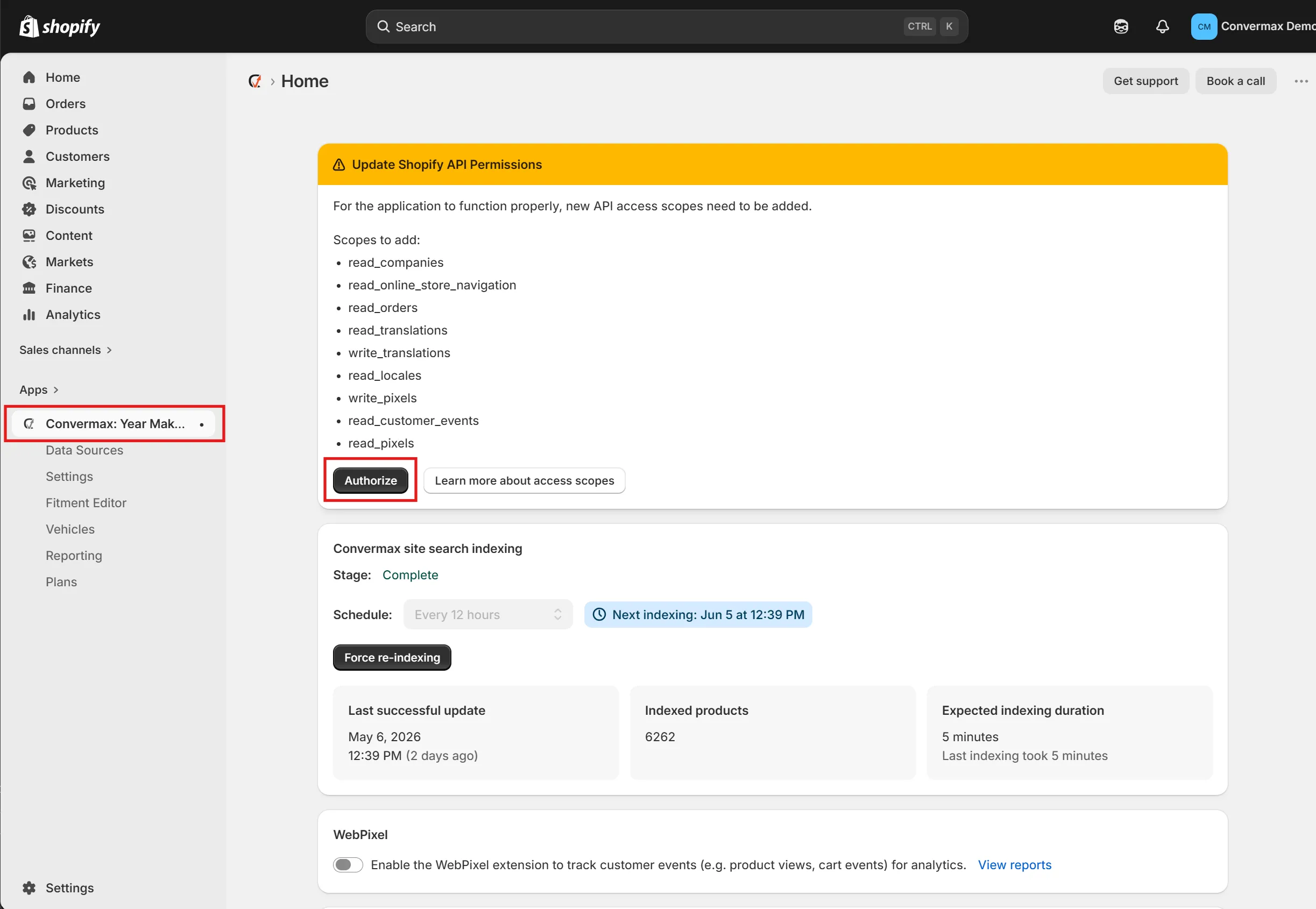
Section titled “Updating default permissions list”The default list of permissions is requested when the app is installed. Then, when a new scope is added to the list, we ask existing clients to grant it on the app’s main page. To grant new permissions the store admin should click the “Authorize” button on the banner.