How to create a Category Tree
By default, we use your existing Shopify collections to build the Category filter. It might be a mess if you have a lot of different collections.
There are 2 ways to fix it:
a) You can use our “collection.convermax.hidden” metafield to remove a collection from the Category filter.
The metafield itself can be created in our App -> Settings -> Metafields:
b) We can build the filter not by the existing collections, but by your Navigation Menu.
That’s also the easiest way to build an any-level category tree.
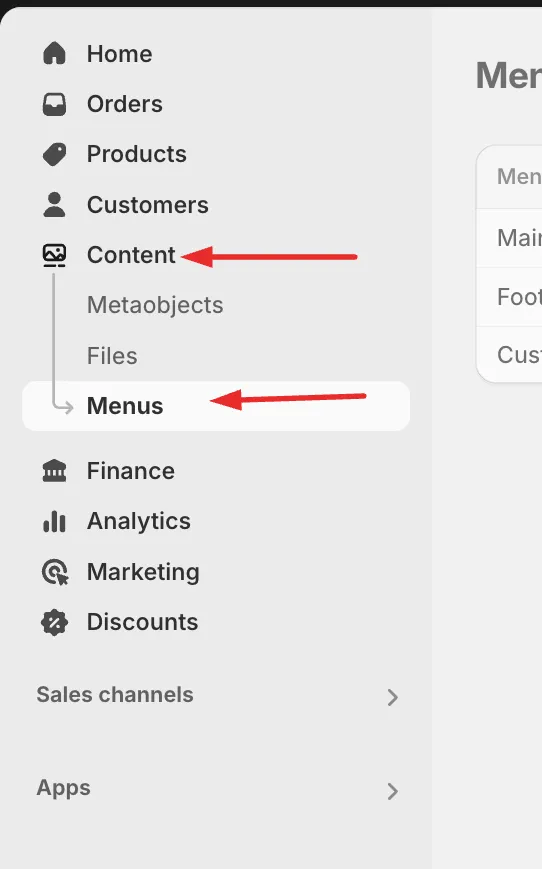
You can create a Navigation menu here:
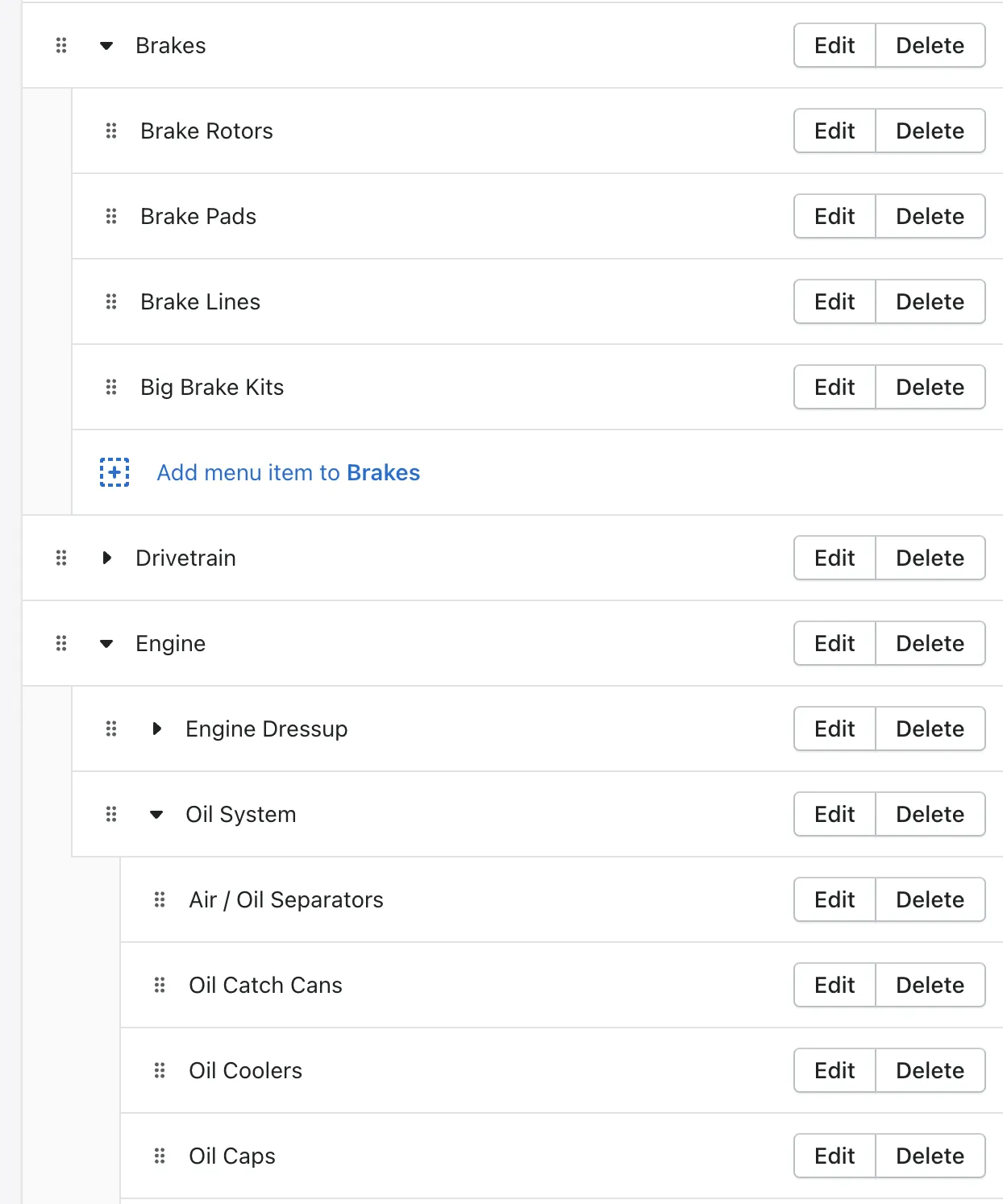
For example:
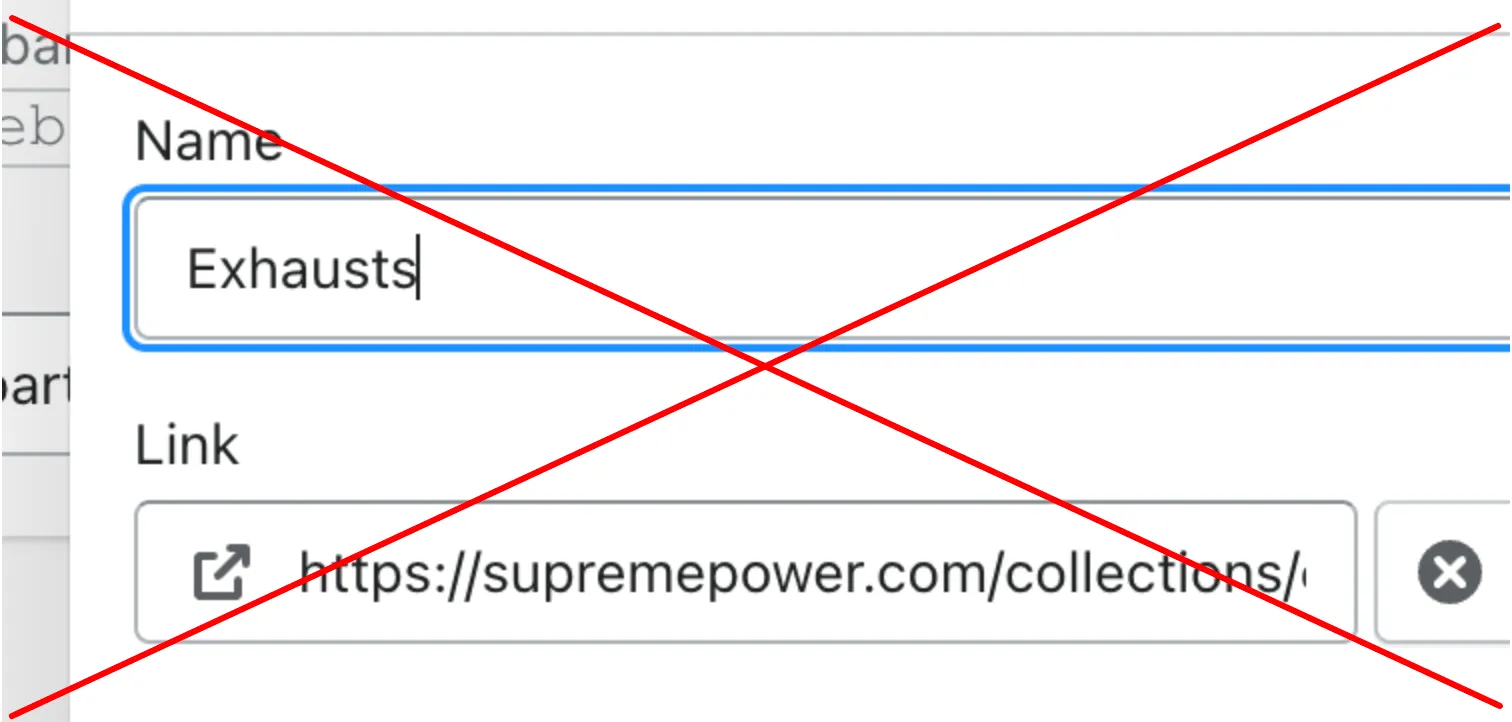
Please note that Collections should be linked like this: 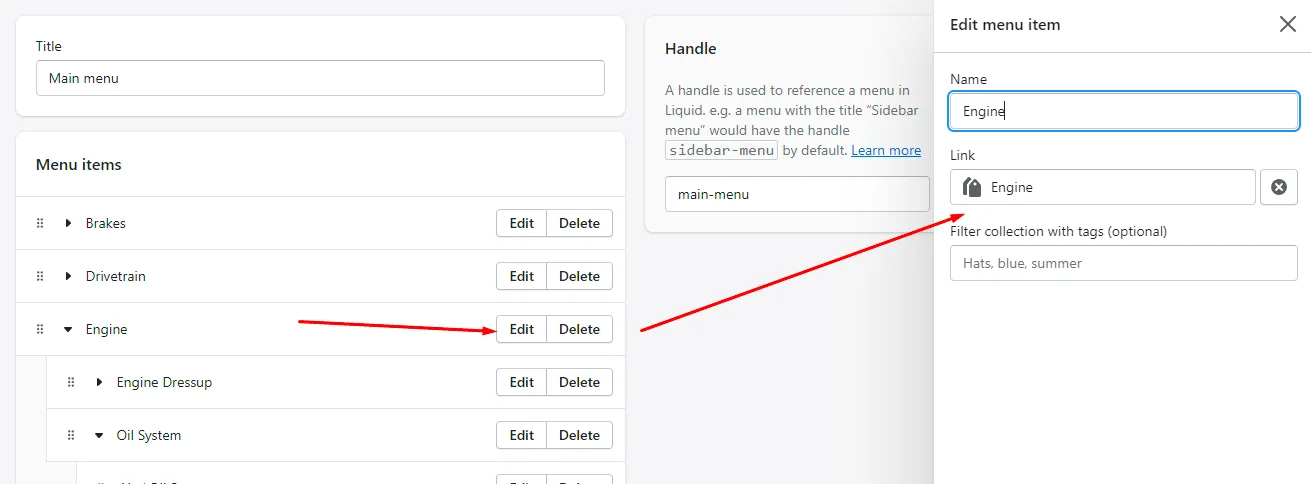
And not as URL:
After that, please send us a link to the menu.
P.S.
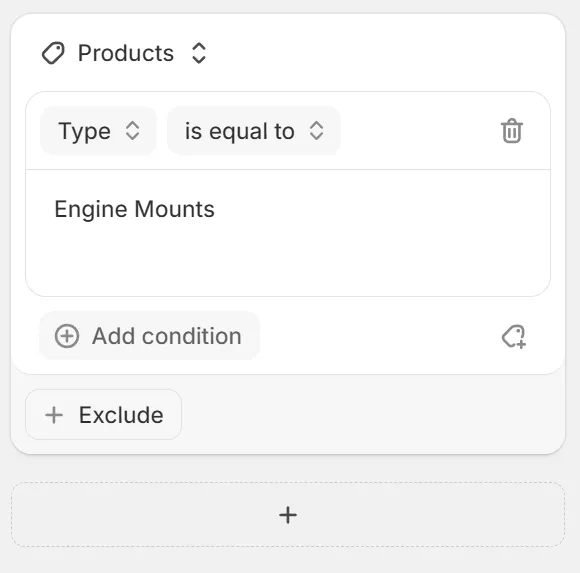
The collections themselves can be created using Shopify’s smart collections feature.
For example, by Product Type: