

Wheels & Tires Data Integrations
DRD (DriveRightData)
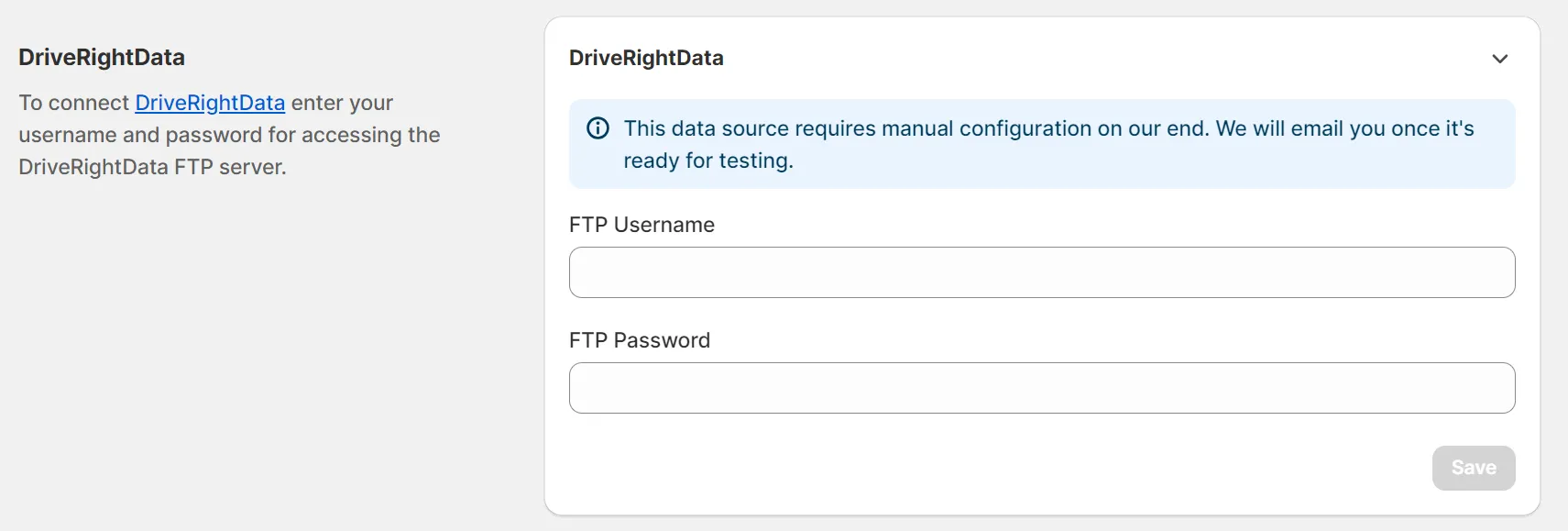
Section titled “DRD (DriveRightData)”You can connect your DriveRightData account to the Year Make Model Fitment Search app, but this data source requires manual configuration on our end. We will email you once it’s ready for testing.
Fitment Group
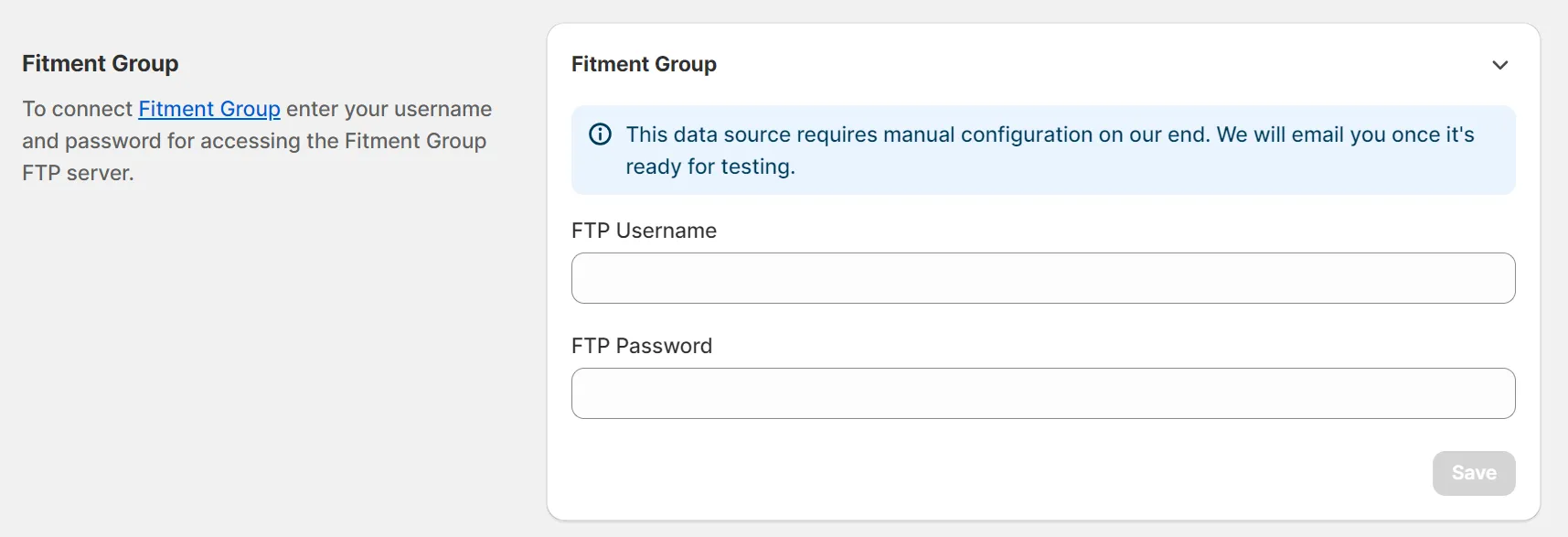
Section titled “Fitment Group”You can connect your Fitment Group account to the Year Make Model Fitment Search app, but this data source requires manual configuration on our end. We will email you once it’s ready for testing.
Wheel Pros
Section titled “Wheel Pros”Wheel Pros provides product attributes only. It is a supplementary source that fills in missing wheel and tire attributes such as bolt pattern, bore, offset, and size.
Wheel Pros does not share Year Make Model fitment data with third parties, so this source does not include fitment charts or vehicle application data and does not add vehicle fitment to your products.
To connect it, set up the SFTP feed in your Wheel Pros account as described in Set up Wheel Pros SFTP feed. Then open the Integrations page, select WheelPros, and enter your SFTP username and password. This data source additionally requires manual configuration on our end; we will email you once it’s ready for testing.
ATD (American Tire Distributors)
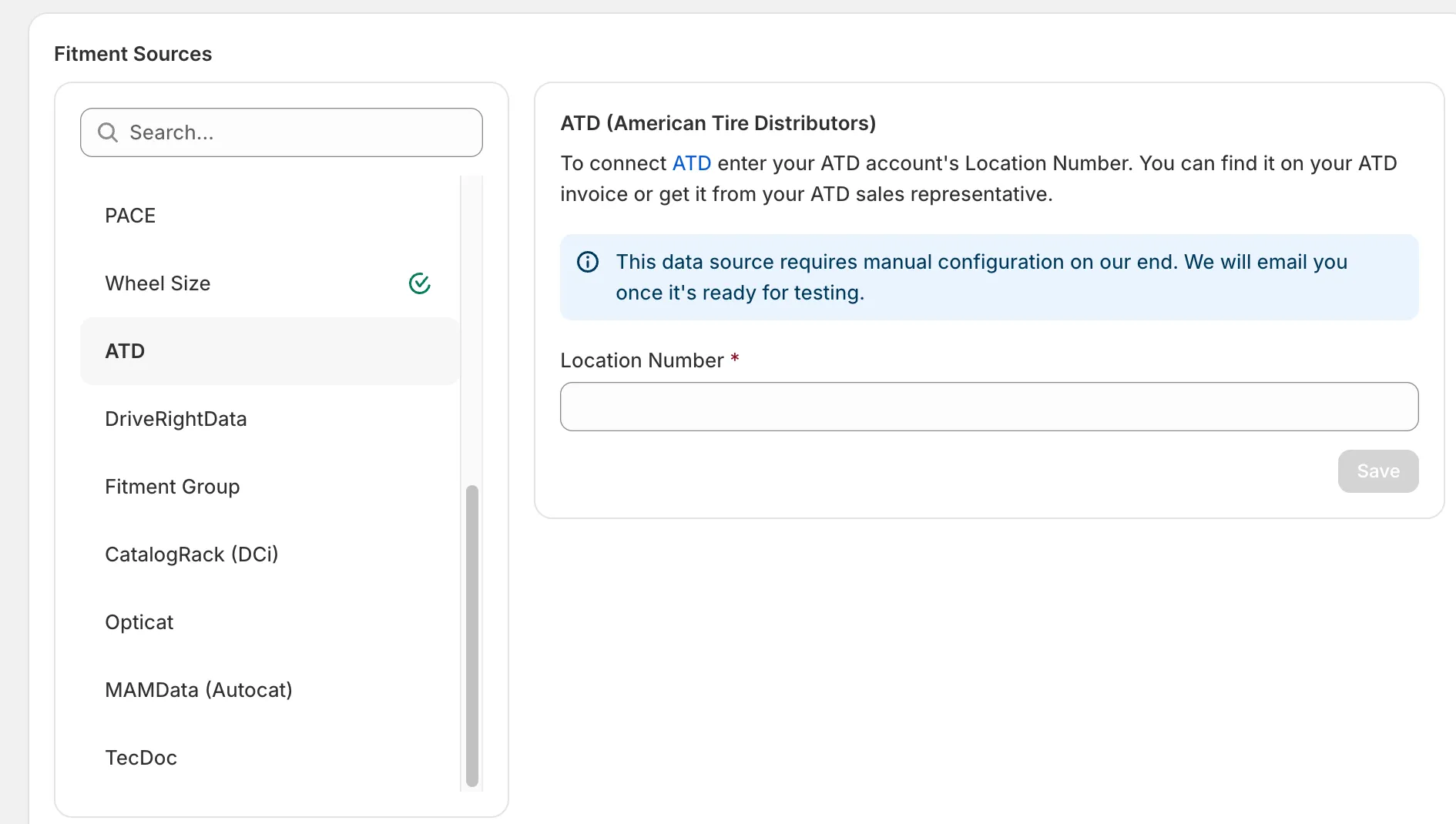
Section titled “ATD (American Tire Distributors)”You can connect your ATD account to the app. Open the Integrations page, select ATD, and enter your ATD account’s Location Number — you can find it on your ATD invoice or get it from your ATD sales representative. This data source additionally requires manual configuration on our end; we will email you once it’s ready for testing.
Wheel Size
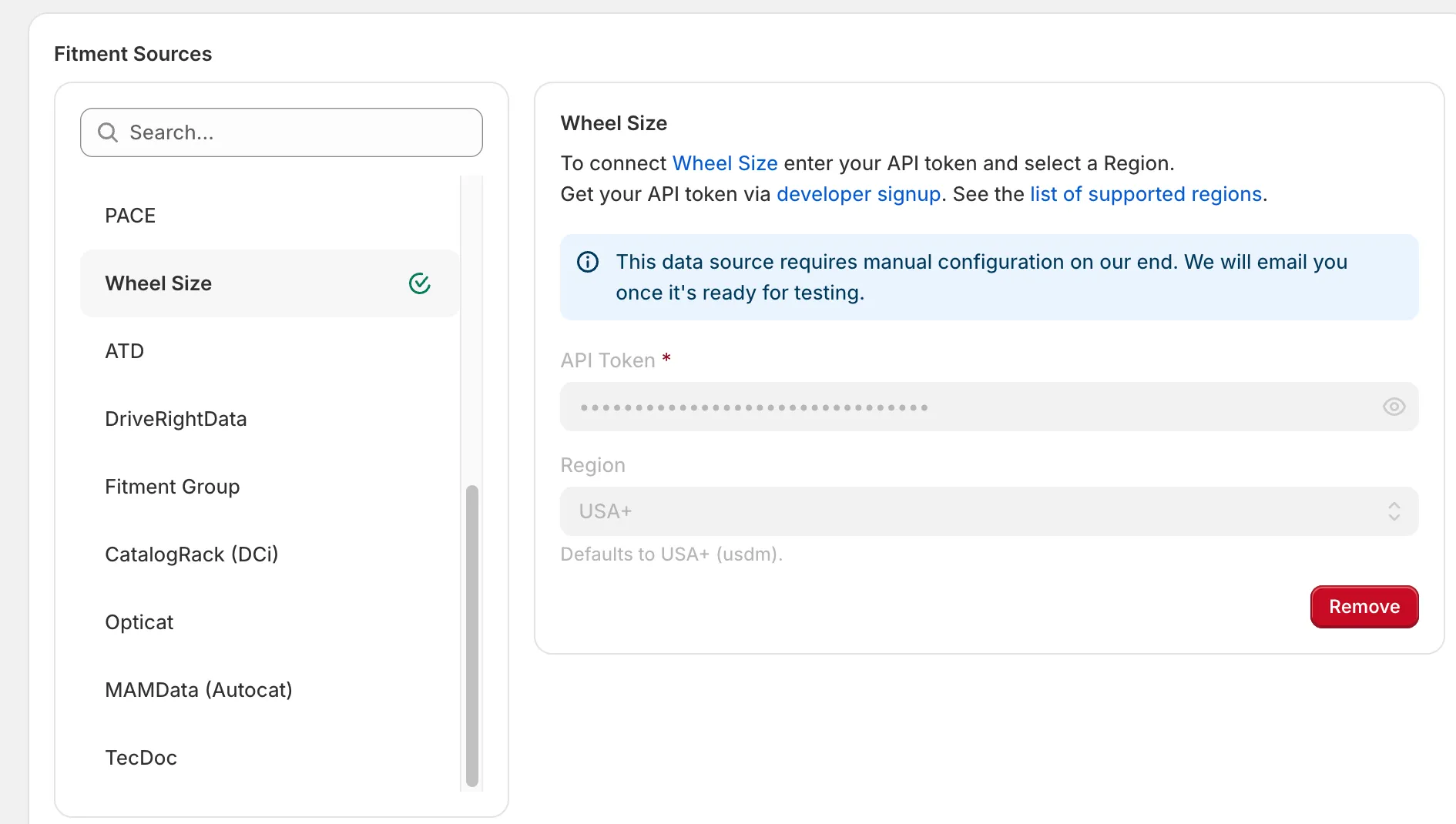
Section titled “Wheel Size”You can connect your Wheel Size account to the app. Open the Integrations page, select Wheel Size, enter your API token, and select a region (defaults to USA+). Get your API token via the developer signup, and see the list of supported regions. This data source additionally requires manual configuration on our end; we will email you once it’s ready for testing.
AutoSync
Section titled “AutoSync”You can connect your AutoSync account to the app. Open the Integrations page, select AutoSync Visualizer, and enter your AutoSync API token. The app then matches your wheels and tires to AutoSync by part number and brand, and matched products get the View on Vehicle button. AutoSync also supplies wheel and tire specs for matched products, replacing the values entered in the store.
If a brand is named differently in AutoSync, open it on the Brands page and set Brand name in fitment sources to the AutoSync name.