

Turn 14 Distribution App Configuration
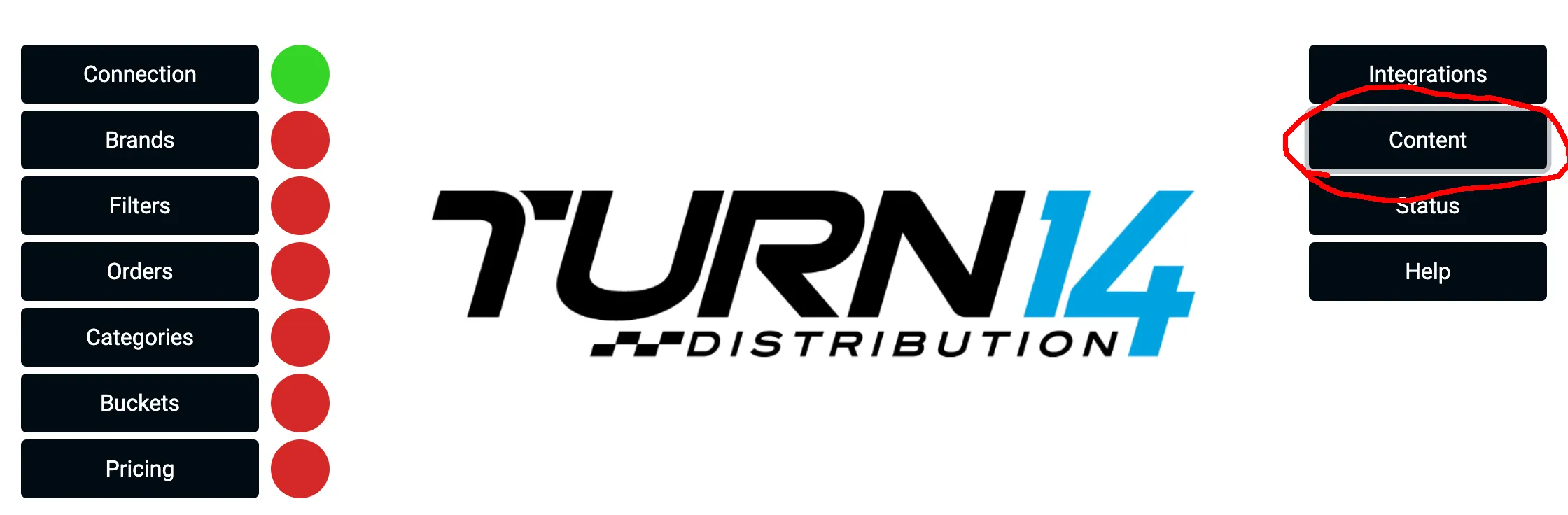
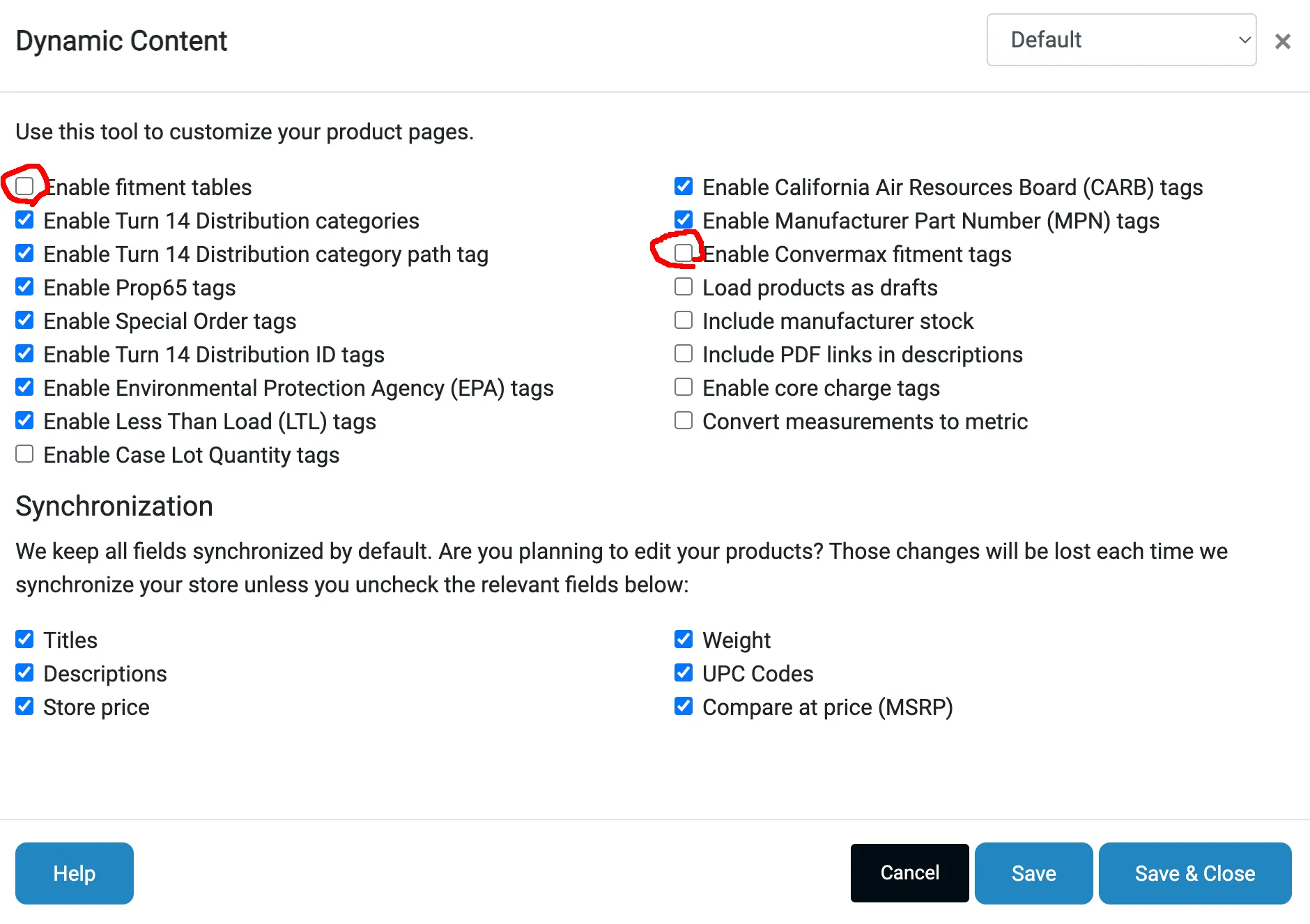
If you sell Turn 14 Distribution products through the Turn 14 Distribution app by Data Here-to-There, open its Content configuration page and turn off two options:
- Enable fitment tables. We provide a widget that renders an up-to-date fitment table as a separate tab or a collapsible panel, so the table no longer has to be part of the product description.
- Enable Convermax fitment tags. We pull fitment data from Turn 14 directly, so the tags this option adds are never used.
The Filters and Buckets you set up in the app can be reused by Convermax. Connect Turn 14 Distribution on the Integrations page of the Convermax app, then turn on Use the vehicle filter or Use the fitment buckets.